IFC Importer for AutoCAD

IFC to AutoCAD Importer/Converter is a simple way of data exchange through plug-in/add-on tool which converts IFC files to native AutoCAD Blocks (.dwg) along with the metadata information

IFC: 4.0, 2*3 & IFC ZIP
AUTOCAD: 2022 - 2024
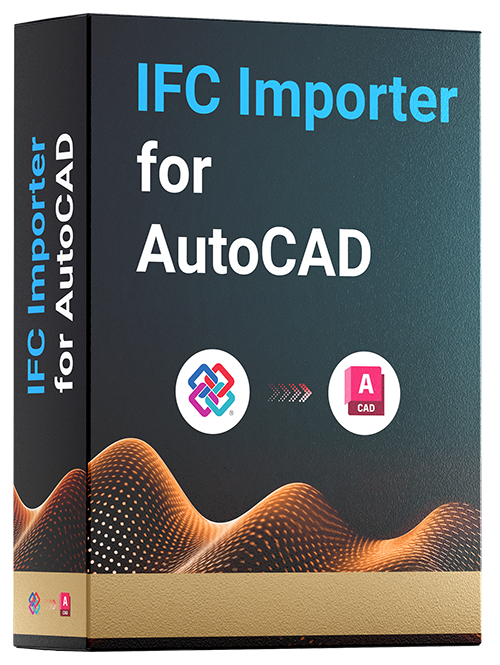
IFC Importer For AutoCAD Products
HOW IS IT DIFFERENT?

IFC Importer for AutoCAD Conversion Features

Expose IFC 2x3 and IFC4 files generated from various CAD/BIM environments into AutoCAD through the customized and safe data exchange solution.

Metadata Information

All the metadata information from the IFC file will be transferred to AutoCAD

Maintain Instances

IFC Importer for AutoCAD instantiates the IFC components inside AutoCAD for ease of editability and facilitates better performance

No File Size Limitation

There is no file size limitation for the IFC file. Bigger IFC files can be imported.

Wide Range Software Compatibility

IFC files generated from Revit, Inventor, Solidworks, Tekla, SketchUp, & ArchiCAD are compatible.

HOW IT WORKS

IFC Importer for AutoCAD Conversion Workflow

Explore how the IFC Importer for AutoCAD converts the IFC files into AutoCAD models and witness the conversion workflow in which the IFC files are converted into AutoCAD models.

STEP 01
IFC file Format

IFC BIM files are generated from Revit, Tekla, ArchiCAD, SketchUp and etc.

STEP 02
DWG files formats

Import the IFC files in AutoCAD using IFC Importer for AutoCAD to obtain native AutoCAD blocks (.dwg).

Contact the SrinSoft Engineering team to explore plan features and pricing customized for both individuals and teams.